임도원은 인간의 내재적 데이터와 외부 데이터를 통해 사고의 알고리듬을 추출하고, 이를 기반으로 예술가의 표현 에너지가 데이터의 층위 안에서 어떻게 새롭게 직조될 수 있는지를 탐구한다. 그의 작업은 아야코 로카쿠의 즉흥적 몸짓과 색채의 진동, 회화적 감각을 생성의 원리로 변환하며, 기술적 매개를 통해 그것이 동시대의 새로운 시각 언어로 다시 출현하는 장면을 구축한다.
Im Do One extracts algorithms of thought from both internal and external data, investigating how an artist’s expressive energy can be newly rewoven within layers of data. His work translates Ayako Rokkaku’s improvisational gestures, chromatic vibration, and painterly sensibility into generative principles, constructing scenes in which they re-emerge as a new contemporary visual language through technological mediation.
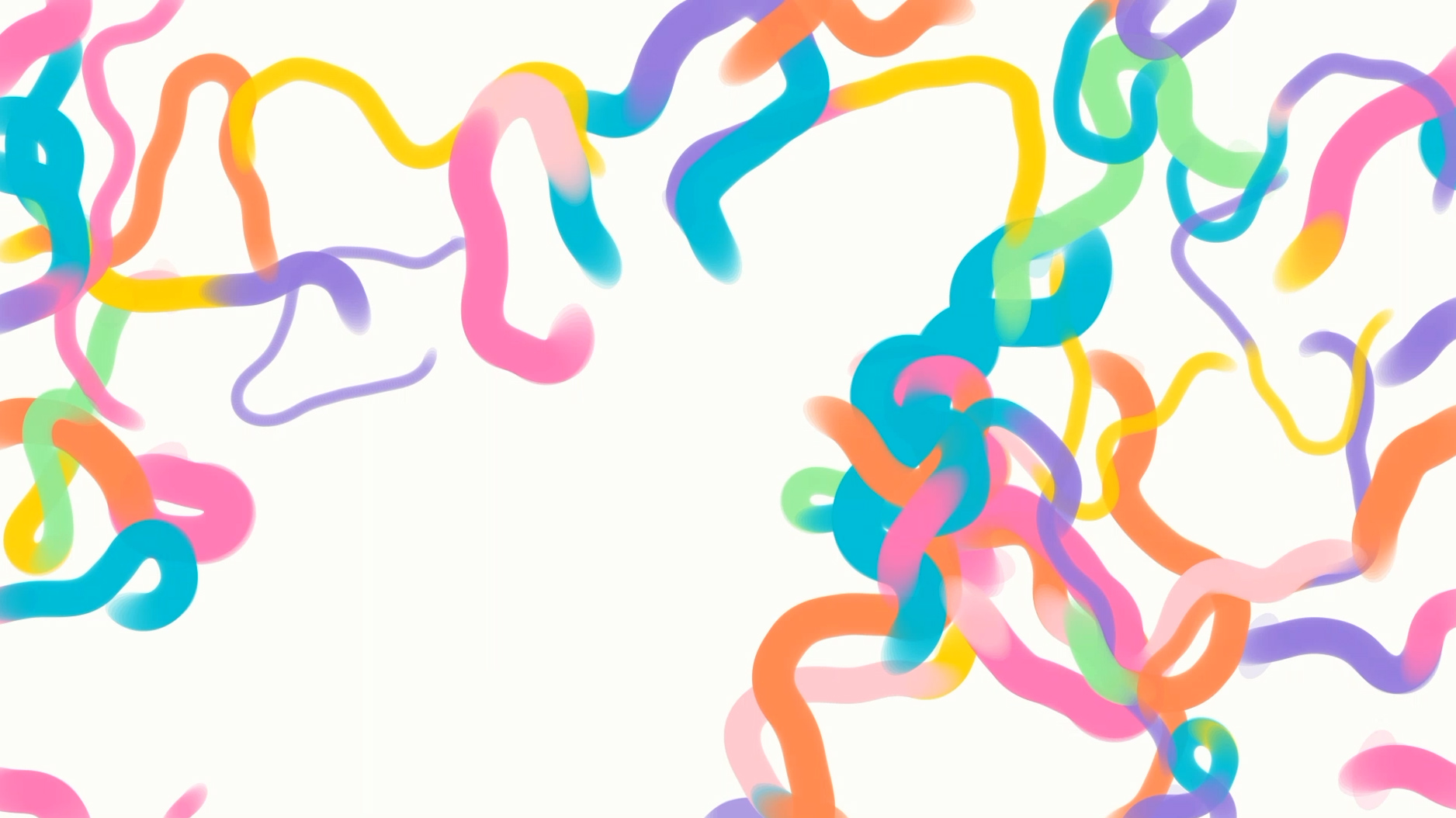
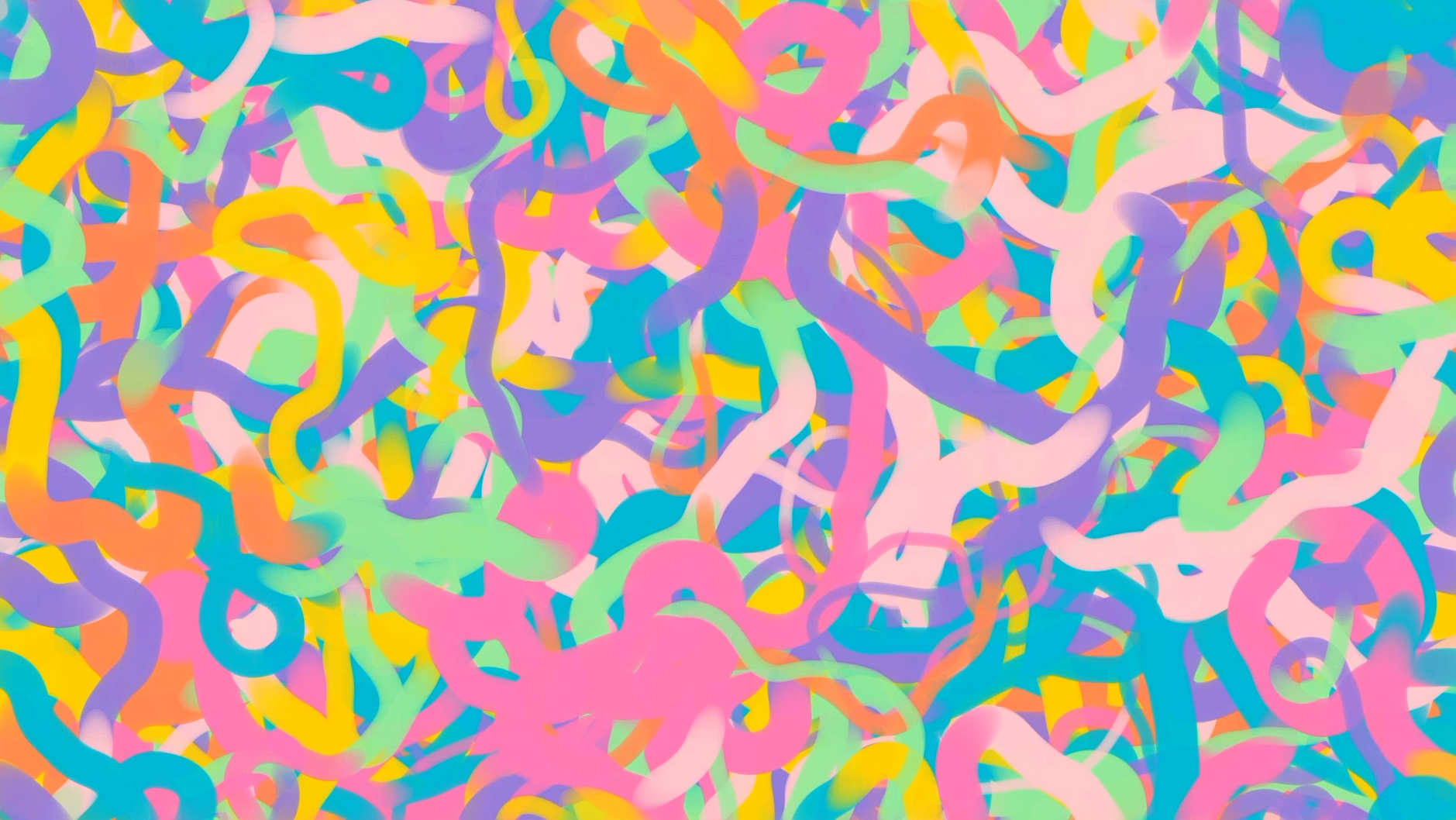
본 작업은 아야코 록카쿠의 회화작업의 근간이 되는 신체적 에너지·리듬·멈춤이라는 창작 원리를 디지털 생성 시스템으로 번역하는 시도다.
핵심은 작가의 스타일을 복제하는 것이 아니라, 캔버스 위에서 벌어지는 “접촉 사건(contact event)”—손의 속도, 압력, 망설임, 반복—이 어떻게 혼돈(Chaos) 속에서 형태(Form)를 발생시키는지를 관객이 시간 기반으로 체험하도록 만드는 것이다.
작품은 Void(빈 화면)에서 시작해 색의 난류가 축적되고, 점차 이미지가 완성되가는 과정을 통해 혼돈과 공존하는 호흡(How to breathe with chaos)을 시각·청각적으로 제안한다.
본 작업은 해커톤에서 작가 자신의 이야기(인터뷰등)의 데이터와 타인에 의해 만들어진 작가의 데이터(제공된 전시 데이터)의 중첩점을 알고리듬화 하는 작업을 진행했다.
2) 작업 의도 및 해석 방향
– 주목한 요소
신체성: 맨손으로 색을 밀고 쌓는 행위가 남기는 흔적(속도·압력·멈춤)
혼돈과 형태의 관계: 손가락 움직임의 조합이 ‘발생(emergence)’ 시키는 화면
시간성: 한 장면이 즉시 완성되지 않고, 축적과 변화로 ‘숨 쉬듯’ 형성되는 과정
– 전시를 해석하고 번역한 방식
전시 데이터를 표면 정보로 다루지 않고, 다음의 변환 규칙을 통해 “창작 원리”로 번역한다.
Chaos(발산): 빠른 변화, 높은 대비, 넓은 분산 → 제스처 속도 증가, 스머지 반경 확대, 난류 레이어 강화
Form(응집): 멈춤, 반복, 안정된 톤 → 얼굴 영역의 밝기/채도 안정화, 눈/윤곽의 출현 확률 증가
Comfort(위로): 따뜻한 연속성 → 앰비언트의 지속, 고역 억제, 완만한 곡선의 주기
Abrasiveness(거친 터치): 불규칙한 튐 → 신스/노이즈의 랜덤 펄스, 화면의 짧은 스트로크 빈도 상승
이 변환을 통해 전시의 분위기/감정/움직임이 작품 내부의 생성 파라미터로 녹아들도록 설계한다.
– 해당 형식을 선택한 이유
시간 기반 생성(약 5분)을 택한 이유는, 록카쿠 작업의 핵심이 ‘완성 이미지’보다 축적되는 과정에 있기 때문이다.
또한 “혼돈”은 한 프레임의 미학이 아니라, 지속적으로 변하며 숨 쉬는 상태이므로, 단일 정지 이미지보다 싱글 채널(혹은 단일 화면 기반) 생성 영상/설치 형식이 개념적으로 적합하다.
관객에게는 데이터를 통해 생성된 알고리듬으로 작품을 생성되는 과정을 시청하면서 작가의 다른 버전을 만나게 하는 경험을 제공한다.
3) 제작 과정
리서치/분석
록카쿠 회화의 표면적 특징(작품 이미지)보다 스토리와 텍스트를 기반으로 작가의 작품 제작 방식에 대해 재해석
규칙 도출(알고리즘 설계)
자신의 생각과 타인에 의해 바라보아지는 자신의 중첩점에서 완성되는 작업 알고리듬 산출
프로토타이핑
캔버스 기반 스머지(지문/번짐) 브러시 구현
난류 레이어(배경) + 생명력 레이어(곡선/꽃/바람)로 레이어링
사운드 서사 결합
위로(ambient)와 거친 터치(synth bursts)를 시간축으로 사운드 구조 설계
통합/출력 구성
해커톤/전시 데이터 입력 → 파라미터 변환 → 5분 생성 시퀀스 출력(영상/설치)
4) 기술적 설명
– 사용 툴, 프로그램, 모델, 워크플로우
런타임/프론트: HTML5 Canvas + JavaScript (브라우저 기반)
그래픽: 2D Canvas API (radial gradient smudge, curve strokes, layering, DPR 대응)
사운드(선택/확장): Web Audio API 또는 Ableton/Logic 등 외부 DAW 연동 가능
데이터 처리(선택):
이미지 기반: 픽셀 샘플링(밝기/채도/대비/색 분포)
텍스트 기반: 키워드 추출/감성 점수화(간단한 룰 기반 또는 LLM)
데이터 입력(전시 데이터/관객 데이터)
특징 추출(색/밝기/리듬/키워드)
생성 파라미터 매핑(Chaos/Form/Comfort/Abrasiveness)
시간 기반 렌더링(0~5분: 난류→응집→출현)
출력(싱글 채널 영상 또는 설치 화면)
– 이미지/영상/텍스트 생성 방식
이미지/영상 생성:
스머지 브러시(방사형 그라디언트) 반복 누적 → 물감이 밀리고 쌓이는 질감 모사
레이어 1: 배경 난류(다중 스머지, multiply/alpha)
레이어 2: 생명력 스트로크(곡선, 꽃 형태)
텍스트(제목) 생성:
전시 데이터/입력 이미지에서 추출한 키워드 + 사전 정의된 어휘군(tonal universe)을 조합해 생성
예: “Weightless Garden”, “Synthetic Tenderness”, “Breathing Color”, “Comfort Bloom” 등
(선택) LLM을 사용해 제목을 문학적으로 다듬고, 메타데이터로 저장
– 편집 및 후반 작업 과정 (AI 외 사용 프로그램 포함)
영상 출력/편집
브라우저 렌더 결과를 캡처/레코딩 → Premiere로 컷 구성
사운드 후반:
Web Audio로 실시간 생성 또는 현장 음향/앰비언트 레이어를 Ableton/Logic에서 마스터링
전시 설치:
단일 디스플레이(모니터/프로젝터) + 스피커(또는 헤드폰)
Concept and Point of Departure
This work attempts to translate the core creative principles underlying Ayako Rokkaku’s painting practice—bodily energy, rhythm, and pause—into a digital generative system.
Rather than replicating the artist’s style, the focus lies on the “contact event” occurring on the canvas: how the speed, pressure, hesitation, and repetition of the hand generate form out of chaos. The work enables the audience to experience this process over time.
Beginning from a void (empty screen), turbulent flows of color accumulate, gradually forming an image. Through this process, the work audiovisually proposes a way of “breathing with chaos.”
Within the hackathon context, the work algorithmically constructs the intersection between the artist’s self-narratives (e.g., interviews) and externally produced data (provided exhibition dataset).
2) Intention and Interpretation
- Key Focus
Embodiment: traces left by pushing and layering color by hand (speed, pressure, pause)
Relationship between chaos and form: how combinations of finger movements produce emergence
Temporality: images are not instantly completed but formed through accumulation and change, like breathing - Interpretation and Translation of the Exhibition
Rather than treating exhibition data as surface information, it is translated into “creative principles” through the following rules:
Chaos (dispersion): rapid change, high contrast, wide spread → increased gesture speed, expanded smudge radius, intensified turbulence layers
Form (cohesion): pause, repetition, stable tones → stabilization of brightness/saturation in facial regions, increased probability of eyes/contours appearing
Comfort: warm continuity → sustained ambient sound, suppressed high frequencies, gentle curve cycles
Abrasiveness: irregular bursts → random synth/noise pulses, increased frequency of short strokes
Through this transformation, the atmosphere, emotion, and movement of the exhibition are embedded as generative parameters within the work.
- Reason for Choosing This Format
A time-based generative format (approx. 5 minutes) is chosen because the essence of Rokkaku’s work lies in the process of accumulation rather than the final image.
“Chaos” is not a static aesthetic but a continuously shifting, breathing state. Therefore, a single-channel (or single-screen) generative video/installation is conceptually more appropriate than a static image.
The audience experiences a different version of the artist by observing the algorithmic generation process derived from data.
3) Production Process
- Research / Analysis
Reinterpretation of the artist’s process based on textual narratives and stories rather than surface-level visual features - Rule Extraction (Algorithm Design)
Deriving a generative algorithm from the overlap between self-perception and externally constructed perception - Prototyping
Implementation of canvas-based smudge (fingerprint/spread) brushes
Layering turbulence (background) and vitality (curves/flowers/wind) layers - Sound Narrative Integration
Design of a temporal sound structure combining ambient comfort and abrasive synth bursts - Integration / Output
Hackathon/exhibition data input → parameter transformation → 5-minute generative sequence output (video/installation)
4) Technical Description
- Tools, Programs, Models, Workflow
Runtime / Frontend: HTML5 Canvas + JavaScript (browser-based)
Graphics: 2D Canvas API (radial gradient smudge, curve strokes, layering, DPR support)
Sound (optional/extended): Web Audio API or external DAWs such as Ableton / Logic
Data Processing (optional): - Image-based: pixel sampling (brightness, saturation, contrast, color distribution)
- Text-based: keyword extraction / sentiment scoring (rule-based or LLM)
Workflow:
Data input (exhibition data / audience data)
→ Feature extraction (color / brightness / rhythm / keywords)
→ Parameter mapping (Chaos / Form / Comfort / Abrasiveness)
→ Time-based rendering (0–5 min: turbulence → cohesion → emergence)
→ Output (single-channel video or installation display)
Image / Video / Text Generation Method
Image / Video:
Repeated accumulation of smudge brushes (radial gradients) to simulate the pushing and layering of paint
Layer 1: background turbulence (multi-smudge, multiply/alpha blending)
Layer 2: vitality strokes (curves, flower-like forms)
Text (titles):
Generated by combining extracted keywords from exhibition data/input images with predefined vocabularies (tonal universe)
Examples: “Weightless Garden,” “Synthetic Tenderness,” “Breathing Color,” “Comfort Bloom”
(Optionally refined using LLM and stored as metadata)
Editing and Post-Production
Video output/editing:
Browser-rendered output is captured/recorded and edited in Premiere
Sound post-production:
Generated in real-time via Web Audio or mastered in external DAWs (Ableton / Logic)
Exhibition setup:
Single display (monitor/projector) + speakers (or headphones)